now browsing by category
Plaid

Originally shared by Thomas Greer
Plaid
Wall: plaid- edited Google image search, girl- edited G+, I think Ruth berrios post
Clock/Weather: Zooper widget pro, widget and weather icons by me
Icons: by me
Launcher: Lightning Launcher
]]>
Please watch the video :)
Originally shared by Masaoka Taro
My recent work.
・Lightning Launcher
ONLY 😀
(I do NOT use widgets at all)
Icon is Go launcher theme icon.”Window”.
(This is “Freedom Design”dev’s work, but now that icon isn’t in PlayStore…)
Please watch the movie 😉


KwaLLe
KwaLLe
Minimalistic Theme/Template for use with Lightning Launcher & Kustom & Tasker
Kustom is used for Music, Weather and Battery Progressbar
all other stuff is made with LL and Tasker.
Icons are Whicons.
Video:
https://www.youtube.com/watch?v=ktV6EK8AjHM
Will be available tomorrow:
https://play.google.com/store/apps/details?id=de.werksmannschaft.lltemplate.KwaLLe


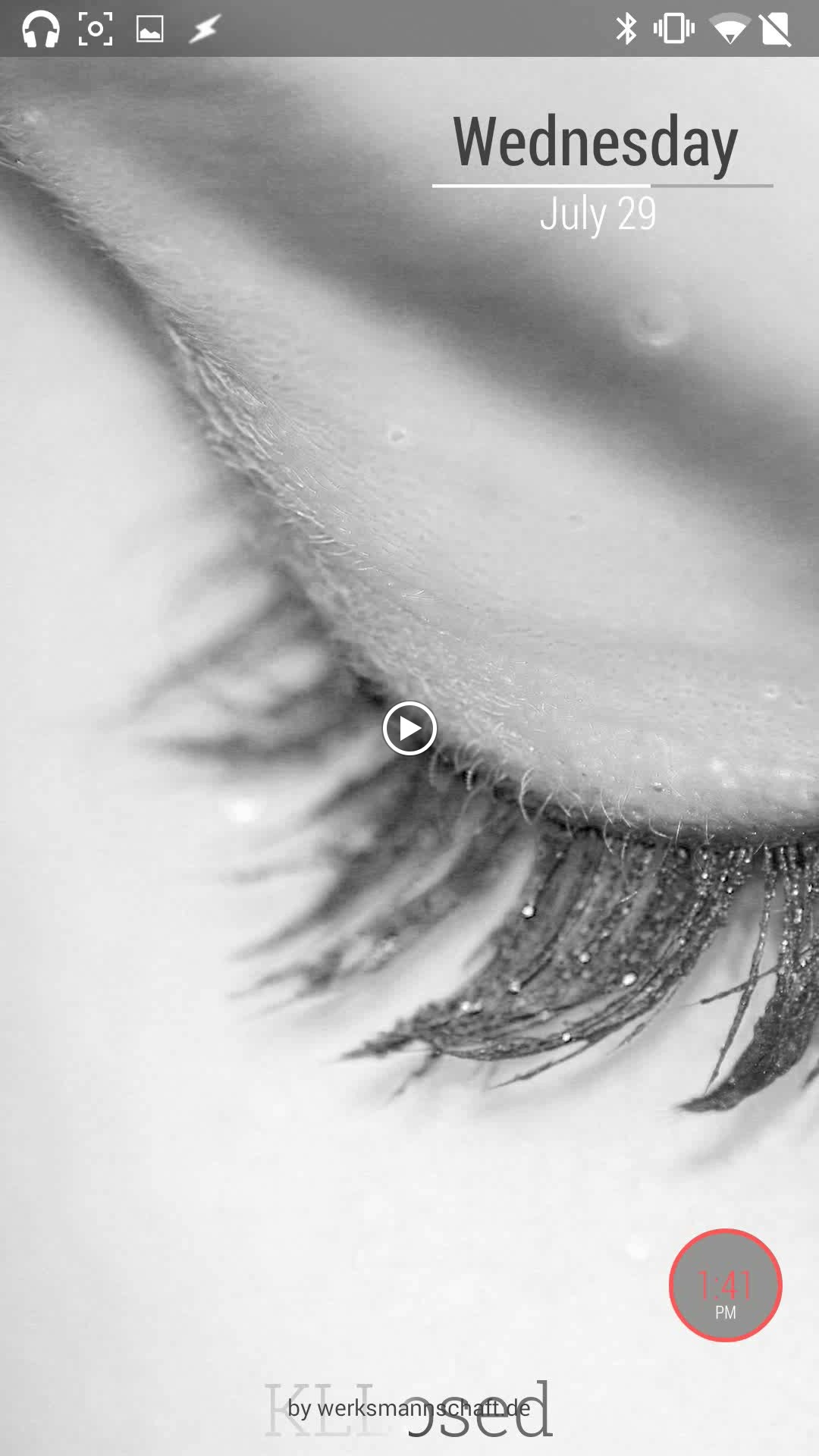
KLLosed for Kustom & Lightning Launcher
KLLosed for Kustom & Lightning Launcher
Kustom LWP
Ligthning Launcher
Tasker
Lipse Icons Grayscale
Tiny White Icons
A lot of Colors are customizable.
Standard is a Shade of Grey 😉
Video:
https://www.youtube.com/watch?v=vY33PPVTYS8
Will be available tomorrow at PlayStore:
https://play.google.com/store/apps/details?id=de.werksmannschaft.KLLosed



Floating desktop is amazing! Now we can have quick access to apps from anywhere.

Floating desktop is amazing! Now we can have quick access to apps from anywhere.
]]>1st picture Homescreen, 2nd picture Homescreen when charging
Originally shared by Chris Wood
1st picture Homescreen, 2nd picture Homescreen when charging.


 D5 Creation