December, 2014
now browsing by month


If i want to add 3 text labels in a panel for a horizontal scroll Indicator what’s the correct shortcut to use
I always used SS in the past which was kinda the same but it had add text option if i remember right.
]]>dynamic calendar icon [fixed version]

dynamic calendar icon [fixed version]
Now with the ability to show the day or the month.
I posted time ago this script, but somebody asked for it, and with the new updates (and because it was wrong) I updated it.
The instructions are: (watch the video for better understanding)
– Change in the script the label of the item, by default it is ‘Calendar’
– By default it shows the day, change the ‘month’ variable to true to show the month
– Open the icon picker (just choose an icon of an item), then search for the item you want. If it support a dynamic calendar, you will find 31 icon, all the same but with different numbers. Just long press the one with the number 1 a toast will say that the data was copied. You can press back now to cancel.
– In the script, where it says, paste that data.
– Set the script in the resumed event of the container with the item.
It is now ready to use.
Note: if it don’t work, paste that data I mentioned here in a comment. Due to the long variety of icon packs I couldn’t test all.
Another note: it only updates the icon when the day/month change, if you want to force it (because you changed the icon or whatever) run the script from the item.
I hope it works, any error just comment.
]]>My questions are two in number.
Hello
On the lg g3 when we double tap the screen on an empty space, it’s switch off the screen.
Is there a way to do the same thing with llx?
Thank you
Henri
]]>Hello, I am new to LLX love all the cool stuff you can do with it.
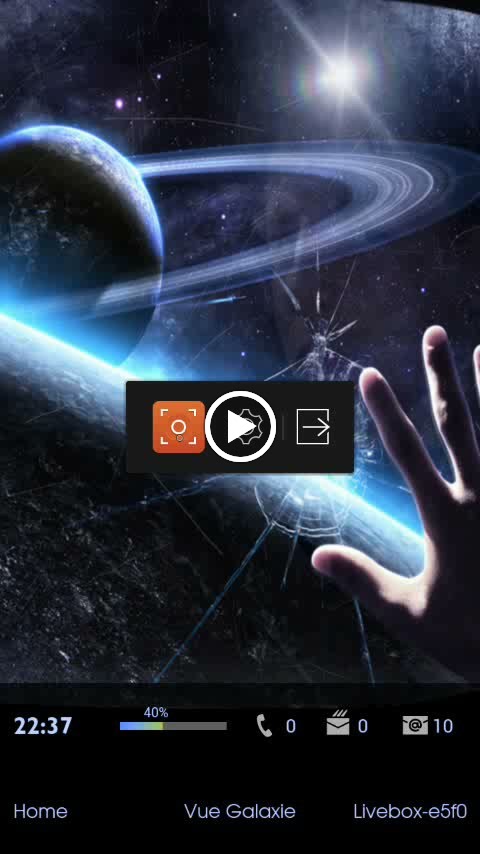
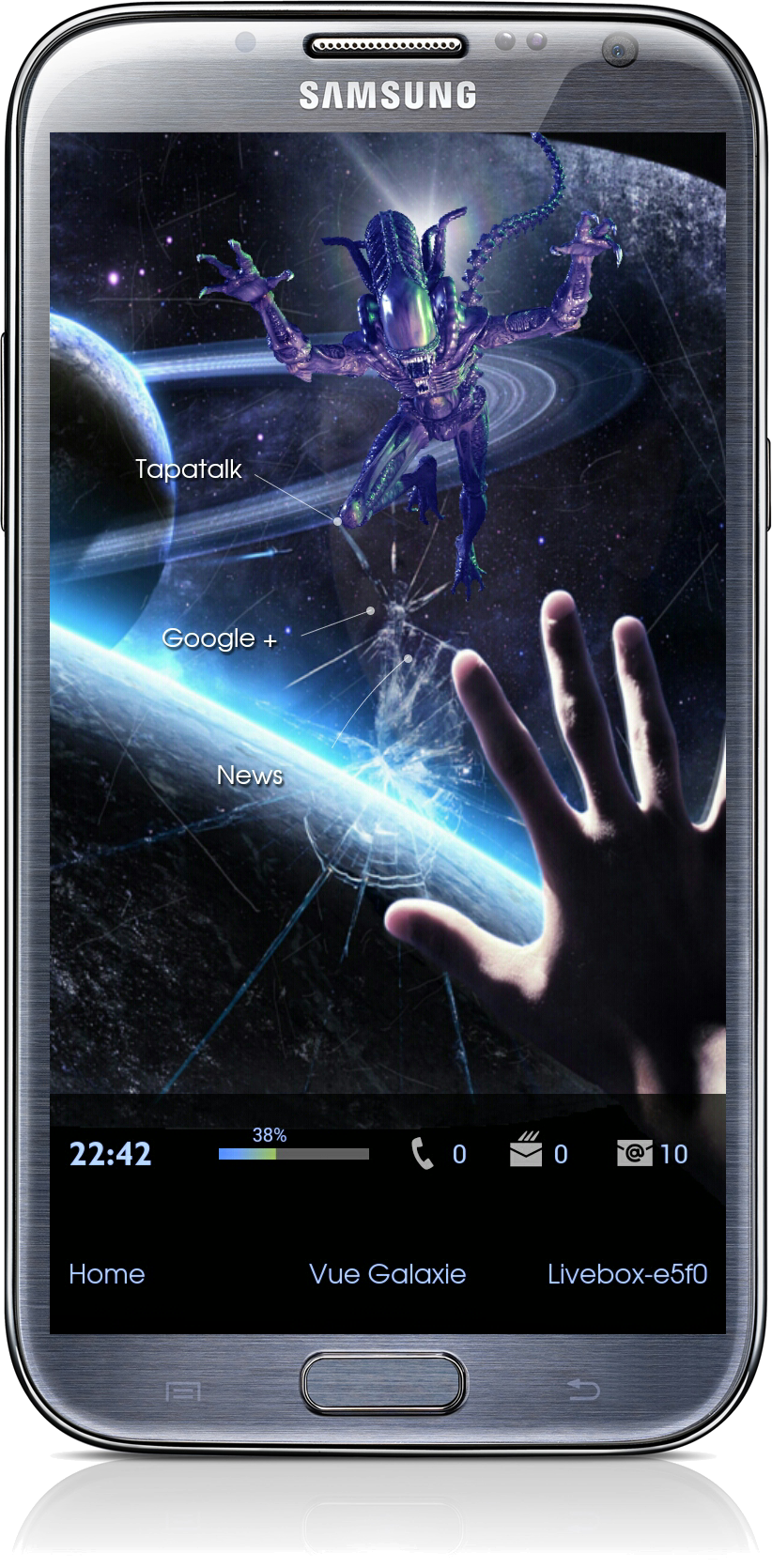
Back from space where I get some troubles :-P
Thanks to TrianguloY and Tim van der Leeuw for the help with the script


Is it possible to duplicate the iOS blur effect through scripting? Would be neat to use for panel background.
Starting some work in my appdrawer

Starting some work in my appdrawer
Your launcher is really perfect
]]> D5 Creation