Archives
now browsing by author
I have a text shortcut for SMS that opens my hangouts, I also have two different hangout accounts.
I tell ya, LL is well above my head.
Question : is there a way to have pages without app, icon, etc.?
Question : is there a way to have an app drawer style from another template?
]]>Since the last update (first time it happened was immediately after last update) I get an occasional weirdness on my…
Picture on the left is normal edit mode, right is the bug.


Is it possible to make date-based text to displayed in uppercase through bindings or scripting?

Is it possible to make date-based text to displayed in uppercase through bindings or scripting?
]]>A next alarm (dynamic text/widget), if possible, would be handy.
Several times I have encountered this bug.

Several times I have encountered this bug. The screen suddenly becomes dark. If I rotate the screen, the rectangle does not change it`s orientation. When I edit the desktop I see that it is just a rectangle and I just delete it.
The nature of this phenomenon I do not understand. This bug happens only with latest (and possibly previous) version. Previously, this had never happened.
]]>LLMatters
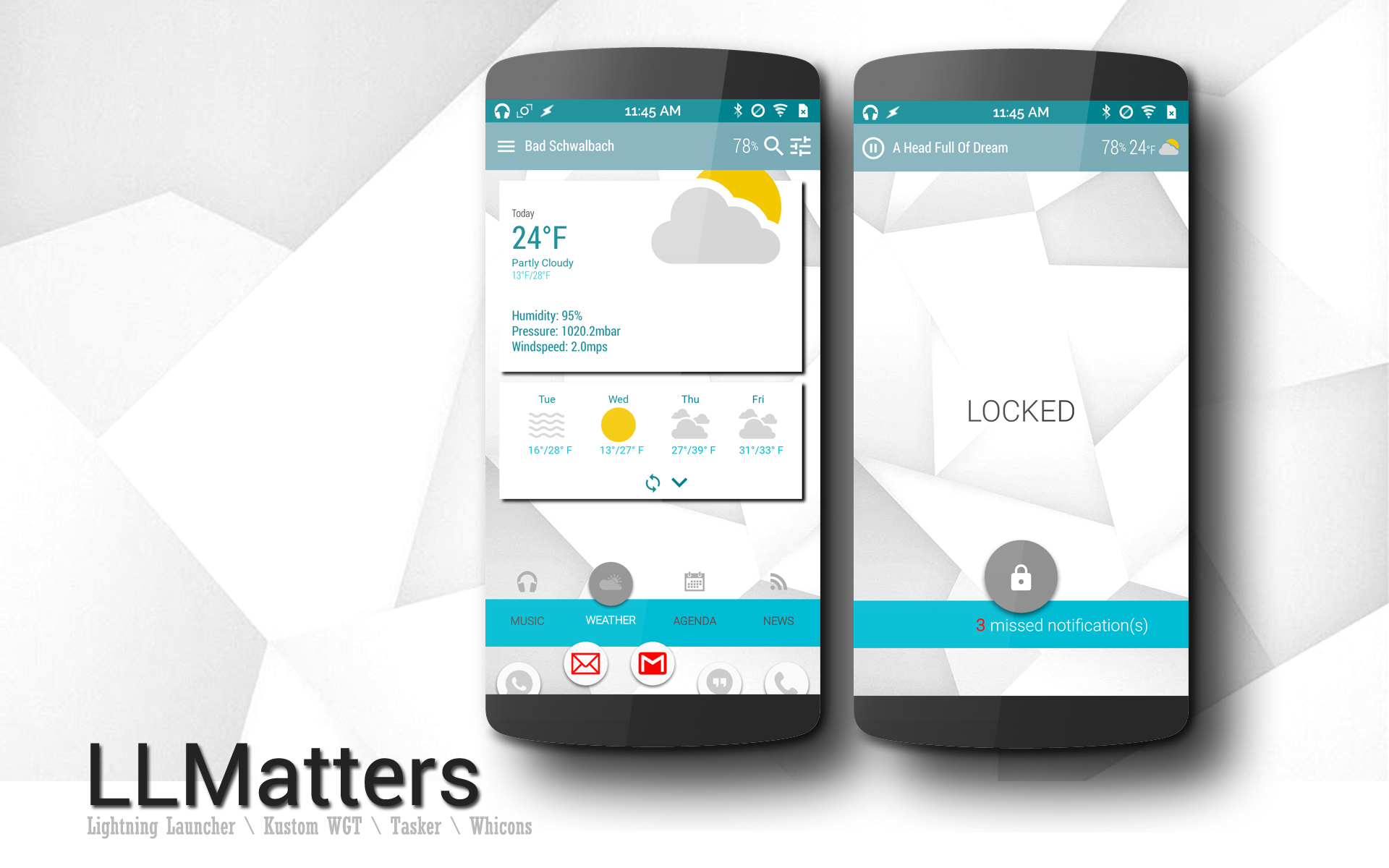
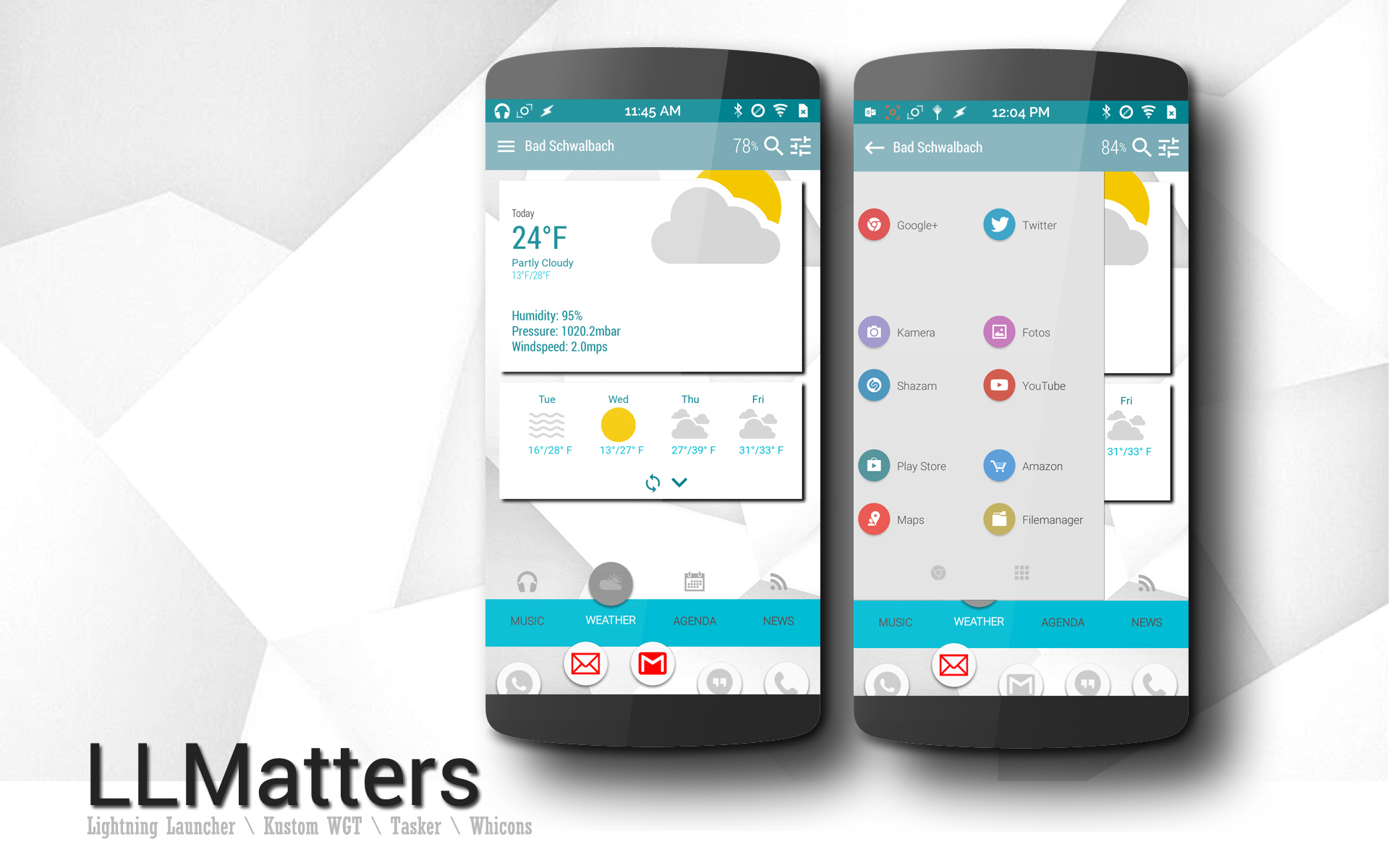
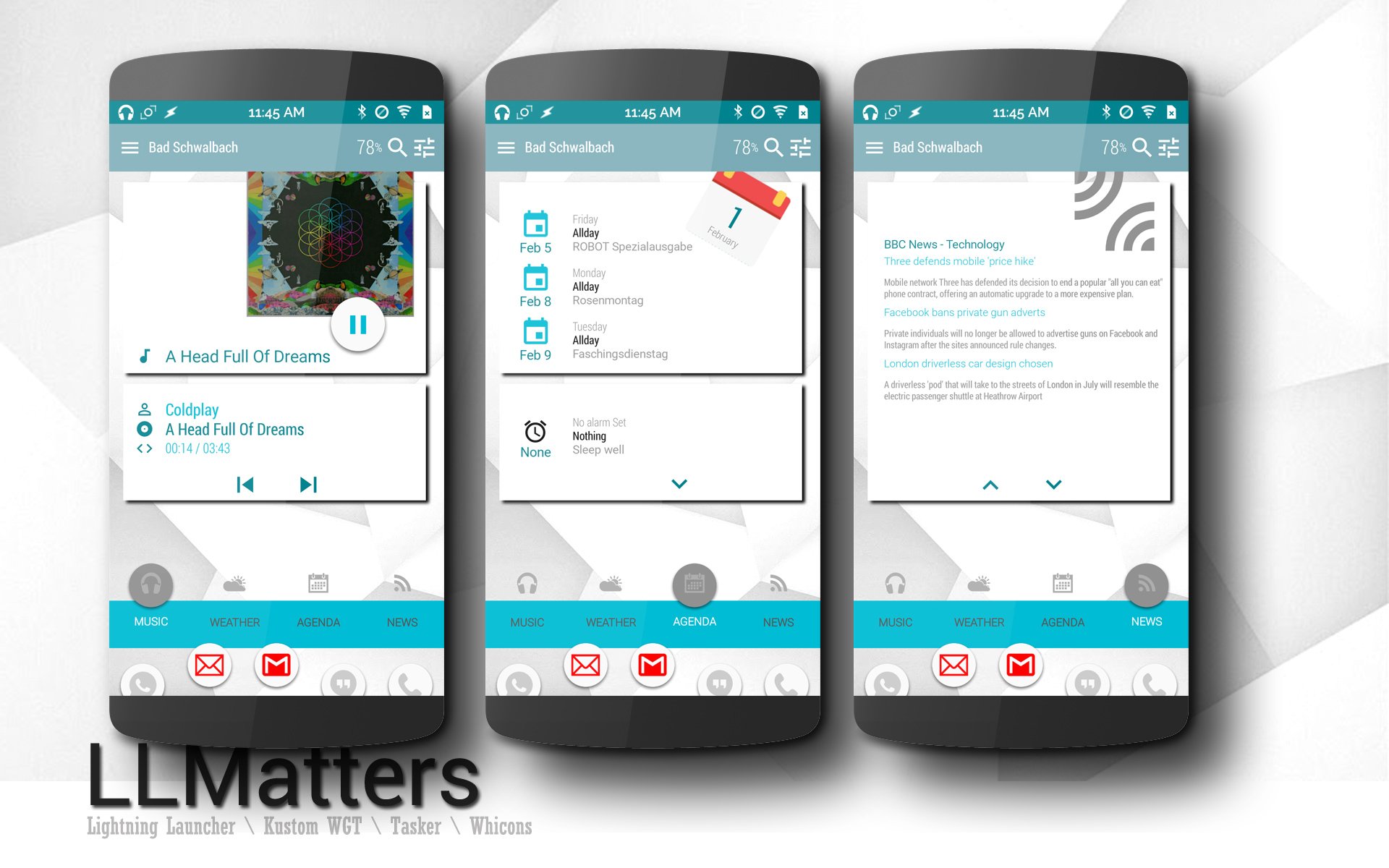
LLMatters
for Lightning Launcher Template with Kustom Widget,Tasker and Whicons. Completely recreated/recoded from the old Version which was with Zooper.
4 Pages vertical + horizontal Sidebar
Navigation by Scroll or Tap. Resolution is 1920×1080 (w/o Navkeys).
Should work with other Resolutions and Navkeys too, you may need to adjust the Widgets.
RSS-Feed scrolls up and down with arrows.
Agenda scrolls also up and down with arrows.
Weather scrolls forward and backwards with arrows.
Video:
https://www.youtube.com/watch?v=2KTmDAjzpBo
Available soon at Playstore:
https://play.google.com/store/apps/details?id=de.werksmannschaft.lltemplate.llmatters
!!! Watch out !!!
Current Version is 1.02 with Zooper, wait until V2.0 will be available.

About the ‘how to have a ➕ desktop’

About the ‘how to have a ➕ desktop’
As Lukas said implementing this from a script can be tricky and will result in a long and complex script due to the personalization the launcher has.
However I though a way to implement this with a relatively very short script that has limitations and very specific instructions that you must follow, but If you follow them (and they are not so strange) it should work correctly. It can be also a start point in case someone want to improve it and make it more ‘universal’
The instructions are:
Set the script to run in the position change event of a container.
Place items that will be the ‘prohibited’ zones (in the video the red ones) that need to have those properties:
Properties of the barrier items:
Label set to “barrier” (this can be changed from script if necessary).
Scale set to 1,1 and skew and rotation to 0.
[Note that it is not necessary to have a red background, but it helps visualizing].
Caveats:
If you enable diagonal scrolling it won’t slide when touching a barrier, it will simply stop. Consider not using diagonal scrolling.
If you enter exit edit mode while a barrier is on view it will jump to the previous saved position, or not move at all if there is no saved one. Consider exiting edit mode always in a ‘valid’ position.
If there are a lot of items in the container it may lag.
With seamless mode it won’t necessarily work as expected. Consider duplicating the barriers yourself if necessary.
Improvements that can be made (for scripters)
Save the barrier’s rects instead of calculating them each time.
Slide instead of stopping when diagonal scrolling is on.
Use also the scale of barriers and maybe even rotation and skew.
Make it valid with seamless mode.
]]>IMHO the lock screen functionality should be bundled in a separate app.
This will open up more ways to improve the lock screen and implement new features.
Also, this will help the developer to generate revenue to support the development.
Pierre Hébert
]]> D5 Creation