December, 2013
now browsing by month
RAILS
Lightning Launcher eXtreme
Zooper Widget Pro
Media Utilities
Simple Rss Widget
Tasker
Tiny White / Tiny Black Icons
Vertical Scroll
PopUps with LL-Folders
Video:


Pierre Hébert, is your Template Packager site functioning today?
This suggestion could be very useful, but also hard to implement.
The idea is, again, very simple: Control+Z (undo) while editing in edit mode.
A difficult, and improbable, would be a ‘multi list of actions’ that you could undo while in edit mode. Maybe in the future.
But an easier, and I think possible will be a
#Do you want to save changes?
#
#[ ]don’t show this again.
dialog when exit edit mode (with the option in settings to show/not show)
What do you think?
Pierre Hébert: do you think you will be able to implement this (or something similar? )
]]>A little bug, not really important but could be annoying.
The geometry menu can be moved, and it ‘save’ it’s position when you change orientation.
So, if you are in portrait and you put the menu at the bottom, when change to landscape it won’t be there (it will, but outside the screen)
To retrieve it you can go back to portrait and move it, or just exit edit mode. That’s why it’s not really important…but it’s a bug.
]]>An old bug…has resurrected (or at least it was supposed to be fixed)
The bug is the one that trigger widgets in edit mode, and the steps are very easy:
Go to edit mode
Go to customize lightning, current desktop…if you are in a folder just go to customize folder.
Go back (you can press BACK twice)
Press a button on a widget (or the widget itself) it will be triggered (notice that you are still in edit mode)
I’m in the latest launcher version 8.8.1 (and in Kit Kat). Try it yourself to confirm/refute it. :)
]]>I’ve encountered a few issues sorry if they’re not bugs or have already been reported.
If I have a screen gesture (or box gesture) set to open a folder on swipe down and close on swipe up, swiping down again also closes it.
Pasting an hex in the color picker I need to paste twice the 1st action just clears the current value.
Saving a folder style, the box parameters – margins, padding, borders aren’t saved.
]]>Speaking of the app drawer, why not choose the behavior of the app drawer after leaving it?
Another simple one ;-)
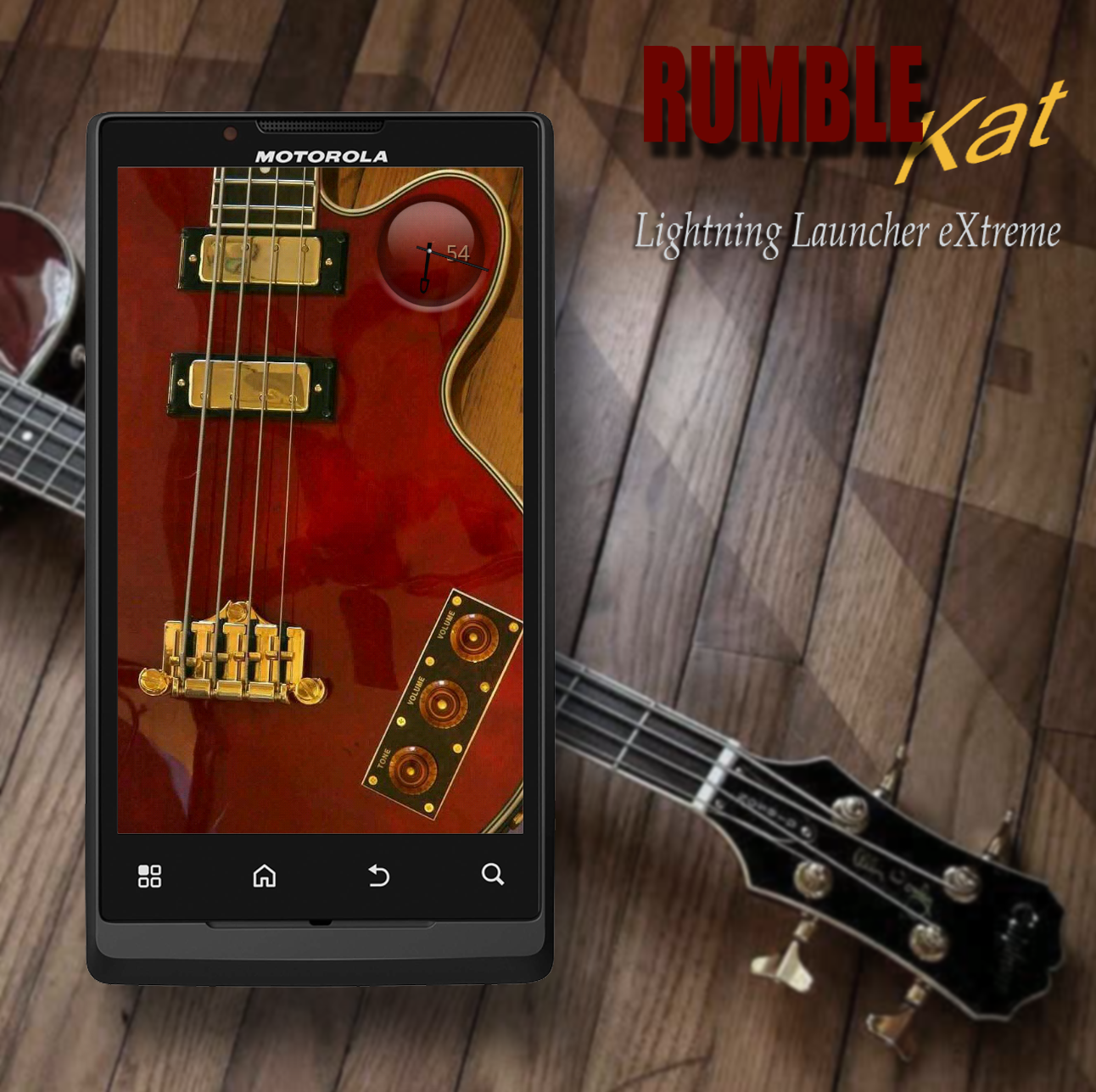
I was looking for an excuse to use Chris sledge’s cool uccw clock, and I’ve been wanting to use one of my photos of one of my basses… so here’s the outcome.
The volume and tone controls on the bass pop out widget panels from the left side. The little black 9 patch buttons scroll out from either side. The ones on the left slide out the applicable folders between the buttons.
Edit:
I deleted one picture from the album, in order to add an updated one. Apparently there is no way to add new pics to an existing album in the android app. :-/
Lightning Launcher Bug Report
(and discussion)
Desktops deleted using Configure Desktops are not really deleted.
1. Go to Configure Desktops and add a desktop.
2. Go to the home desktop and add a LL Desktop & Position shortcut that links to the new desktop.
3. Go to the new desktop by clicking the shortcut and then add an app or a folder or whatever.
4. Go to Configure Desktops and delete the new desktop.
5. Go to the home desktop and click the shortcut that links to the new desktop. You’ll be taken to the deleted desk top.
Note that a new shortcut to the deleted desktop cannot be created. Also, folders on this deleted desktop can be linked to using an LL Action shortcut.
Discussion:
If functional desktops can exist that can only be reached via a shortcut does deleting the shortcut leave all the items on this now unreachable desktop? If so, then this becomes wasted memory.
I see three possible solutions:
1. When you delete a desktop it should be completely deleted and not accessible.
2. Take advantage of this functioning and add a Hide/Unhide feature to Configure Desktops and as new LL Desktop & Position shortcuts are created allow them to only link to desktops that are not hidden.
This would create a desktop that is not easily reachable but could contain items such as “hidden” folders to be linked to, or items you want to keep private.
3. Do both 1 and 2. Make deleted desktops be completey deleted, and add a hide/unhide feature to Configure Desktops.
]]> D5 Creation