January, 2015

now browsing by month


Hi everyone

Hi everyone,

Would mind making blur effect script?

(It is just like what is used in iPhone6 :P)

I want to try it on panels,folders,…all containers!

]]>

I have a question.

I have a question. On Desktop “B” i have one folder (screenshot 1). I made a layout as in screenshot 2. I saved that Folder Layout. If i go to Desktop “A” and I load the same layout in a Folder, i get the result as in screenshot 3. It’s completely different.

If i go back to Desktop “B” and add an other folder and apply the layout, it is correct.

What am i doing wrong?

]]>

There is always a way!

There is always a way!

Update of my last script: customize menu

Now with:

– Changing the selection color

– Hiding specific elements

]]>

I think multiwindow support would be a amazingly innovative features for devices like the note series

I think multiwindow support would be a amazingly innovative features for devices like the note series

]]>

I have a really weird bug…

I have a really weird bug…

android 4.4.2, THL 5000 phone, 1920x1080px, LLX 10.6.5

Please doing this:

1) uninstall all language packs from device!

2) delete all data from app LLX (for conditions if user have new instaled LLX)

3) enable expert mode

4) disable honor pinned items in edit mode

5) go to current desktop settings and set in layout:

6) settings below apply to: landscape, and set grid columns – number to 9, grid rows – number to 3

7) now rotate device to landcape layout and go to back desktop and go to edit layout. Now is everything OK.

8) go to current desktop settings and set in layout:

9) settings below apply to: portrait, and set grid columns – number to 5, grid rows – number to 6.

10) now rotate device to portrait layout and go to back desktop and go to edit layout. Now is everything OK.

11) go to google play store and download Lightning launcher czech app and install

12) select czech language packs in LLX

13) go to home screen in portrait layout and go to edit layout – everything is OK.

14) exit from edit layout

15) rotate device to landcape layout and go to edit layout – now is grid more wide and one desktop is on more then one screen! Visible is only 6 columns from 9.

Tested several times, always same result….

]]>

Script: enhance lightning menu

Script: enhance lightning menu

This is an example script how to modify the lightning menu background. Scripters – feel free to modify to create even more beautiful menus.

Pierre Hébert​ I feel a bit sorry to hack your app – with your app 😄

This script needs to be run at least every time the launcher gets restarted.

]]>

Simple silly question: how do we make rounded corners on boxes?
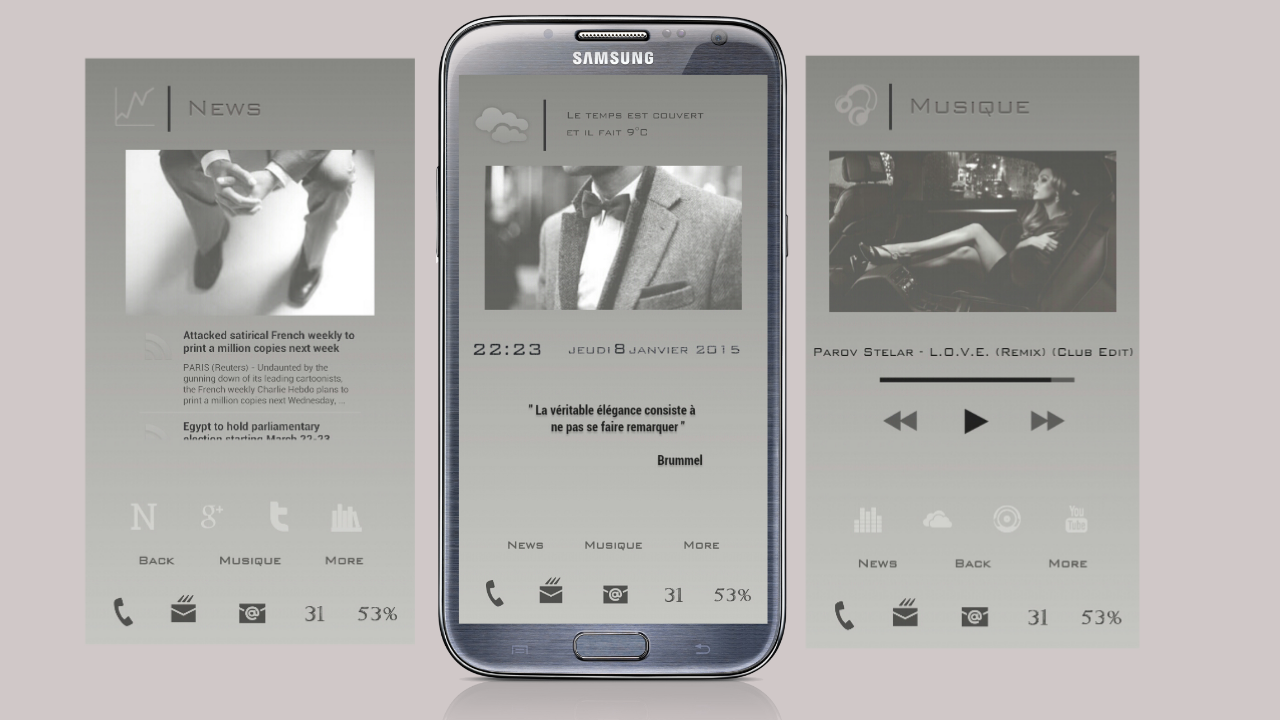
Simple silly question: how do we make rounded corners on boxes? I see examples of this but cannot figure it out. Is it using a script?

]]>

Hello, those days home

Hello, those days home

With Lightning launcher ex and Zooper

]]>

Hi there all

Hi there all, 

anyone know if there is a way of launching an app via script without using an item?

in my case i’m specify trying to run the google search activity (like if you made a shortcut with “add Item” > “Shortcut” > “Lighting Action” > “search”) and then via script invoke it when i scroll past a y value. 

so far i can only get it to work by adding an item and then via script invoking the item with launch 

var searchItem = LL.getItemById(0x10002);

searchItem.launch();

while there’s nothing wrong with this i guess i was hoping to do it directly with out the need for the item at all as i don’t need to see it. 

thanks in advance!

]]>

I know todo list is very full (Today I had open todo list)…

I know todo list is very full (Today I had open todo list)…

please add new LL action:

1a) show power menu (same menu as after long tap to power button)

2a) show quick settings (for device with clear android, /screen with switches as wifi, bluetooth, user, etc./)

3a) show volume option screen (screen with volume for alarm, notification, phone, etc.)

4a) doing print screen

5a) go to/open specific function (activities) from some app  (now i must doing this option by this app: quick shortcut maker)  

6a) open recents apps

please add new Events

1b) Home key (long)

2b) Home key (double tap)

3b) Menu key (double tap)

4b) Back key (double tap)

5b) Recents key

6b) Recents key (long) – maybe

7b) Recents key (double tap) – maybe

8b) Search key (long)

9b) Search key (double tap)

10b) Volume + and – key / for remap this button to zoom in and out

Many this button i need remap for locked screen, because in normal screen i use all option (tap, long tap, double tap) for menu, home, back keys. But in locked screen i need this button set to Lock – do nothing.

Please add new functions

1c) Pin/Unpin to all desktop (if item have this option to yes, show this item on all desktops in this place – for example for shortcut, panels, folders, etc.)

2c) add new option – enable/disable power menu (menu after long tap to power button). Important for locked screen (for example disabled power menu on locked screen, in normal screens enabled)

3c) new small animation – for riding your finger on the screen

Please add new hint dialog

1d) after add new shortcut, app, widget (good for notifications functions as: pin, detach from grid, geometry editor, move forwards/backwards)

2d) after add new stop point

]]>