February, 2015
now browsing by month
ZW WeatherGraph Widgets
ZW WeatherGraph Widgets
ZW files are now ready for download.
I did some optimizations to the lately teased (https://plus.google.com/u/0/+LutzLinke/posts/RRrC6QtZWK6) WeatherGraph widgets, now they look pretty good:
– scaling no longer 0°C-based, focus on current min/max area
– horizontal line gone (0°C, no longer needed)
– added dynamic scale
– created a whole bunch of sample widgets
Download here:
https://app.box.com/s/yextrr7js9xupu9y90ovacmjwvc1ikwt
Some technical stuff for those interested:
– (ceil(max(#W0MAXN#;[..];#W6MAXN#)/5)*5 – floor(min(#W0MINN#;[..];#W6MINN#)/5)*5)
Min/Max-range for scaling. Min/max values are rounded up/down to 5°. Made adding the vertical scale easier. Also looks better then using absolute range (i.e. instead of absolute range -3°C to 11°C = 14°C we use -5°C to 15°C = 20°C).
Hint: to revert to 0°C-based scaling, 0 has to be added to the list, i.e. max(0;#W0MAXN#;[..];#W6MAXN#)
– sample: [oy]$(30 + (#W0MAXN# -floor(min(#W0MINN#;[..];#W6MINN#)/5)*5) / (ceil(max(#W0MAXN#;[..];#W6MAXN#)/5)*5 – floor(min(#W0MINN#;[..];#W6MINN#)/5)*5) * 100)$[/oy]
30 is the absolute offset from widget’s bottom (all items are aligned “Center Bottom”).
(W0Max -floor(…)) is the current max temperature relative to absolute min temperature.
Relative offset value is divided by min/max-scale.
” * 100″ finally scales to the pixel-range to use.
Calculations for graph:
[r]$(atan((#W3MINN#-#W2MINN#) * 100/(ceil(max(#W0MAXN#;[..];#W6MAXN#)/5)*5 – floor(min(#W0MINN#;[..];#W6MINN#)/5)*5) / 75) * -180 / pi)$[/r]
[rw]$(75/cos(atan((#W3MINN#-#W2MINN#) * 100/(ceil(max(#W0MAXN#;[..];#W6MAXN#)/5)*5 – floor(min(#W0MINN#;[..];#W6MINN#)/5)*5) / 75)))$[/rw]
75 is the width if the line was horizontal without rotation (the “Ankathete” = adjacent side of the triangle’s angle).
Arcus Tangens calculates the angle of the graph via the temperature difference (“Gegenkathete” = opposite side of the angle).
Cosinus finally calculates the new length of the rotated line (=rect width).
Tipps for editing:
– “Batch editing” on PC
Copy the ZW file to my PC. AirDroid or PushBullet come handy for doing so.
It’s a ZIP-archive, so extract all JSON-files included to a folder.
Open all JSON-files in the free editor Notepad++.
Now it’s possible search and replace values in all opened files at once.
Save all, then replace the files in the ZW-file. Do NOT create a new ZIP!!
Copy back to phone and load in ZW to see the results.
– Moving horizontally
All graph items can be moved horizontally (x-axis) easily. However the lengths of the graphs need to be adjusted.
You can do this by replacing the base value 75 in their calculations by, i.e. 60 if you reduced the spacing by 15.
It’s the JSON files with “pref_module_name” like “Min Line” and “Max Line”.
– Changing horizontal scaling
In all JSON files the string “* 100” can be replaced with i.e. “* 75” or what ever your desired new height is.
– Change offset from bottom
I suggest using search for “[oy]$(” and replace with i.e. “[oy]$(10 + ” if you want the graph to be positioned 10 pixels higher.


dr@gon
dr@gon
Lightning Launcher eXtreme \ Zooper Widget Pro \ Media Utilities \ Tasker \ Tiny White Icons \ LLx LockScreen
https://www.youtube.com/watch?v=tgMTl-j0DZs
musicplayer changes color blu/red when play/paused
alarm changes color red/whiet when set/unset
batteryba. changes color green/red/blue when ok/<20%/charging
lockscreen changes tranparency while swipe to unlock


I have muzei which is a background changer.
I have muzei which is a background changer. The background is blury and then i can double tap to see the image clearly for 10 seconds. With lightning launcher the double tap doesnt work. I disabled all double tap gestures but still doesnt work. Any suggestions?
Guys need some help.
In my app I have written the code below from Lukas Morawietz to call and pass a data to LL script:
Intent i = new Intent(Intent.ACTION_VIEW);
i.setClassName(“net.pierrox.lightning_launcher_extreme”,”net.pierrox.lightning_launcher.activities.Dashboard”);
i.addFlags(Intent.FLAG_ACTIVITY_NEW_TASK);
i.putExtra(“a”,35);
i.putExtra(“d”,id-of-script + “/” + optional-data-string);
startActivity(i);
But I have no idea where to give what. I tried giving the script name in “id-of-script” but doesn’t work.
If name should not be given, then where to get the script id? and the data to be passed? A little help is appreciated.
]]>I’d like to set a image to be drawn behind the system bars instead of a color (especially by script)
Folder grid gets colored with label color

Folder grid gets colored with label color
don’t look at the setup, it’s WIP
]]>Folder ignores System bar settings. Why has a folder these settings at all?
Below you find my tablet setup.
i use uccw widgets and popup widgets, gmd gesture control (for example to access the app drawer) – and LLX of course!

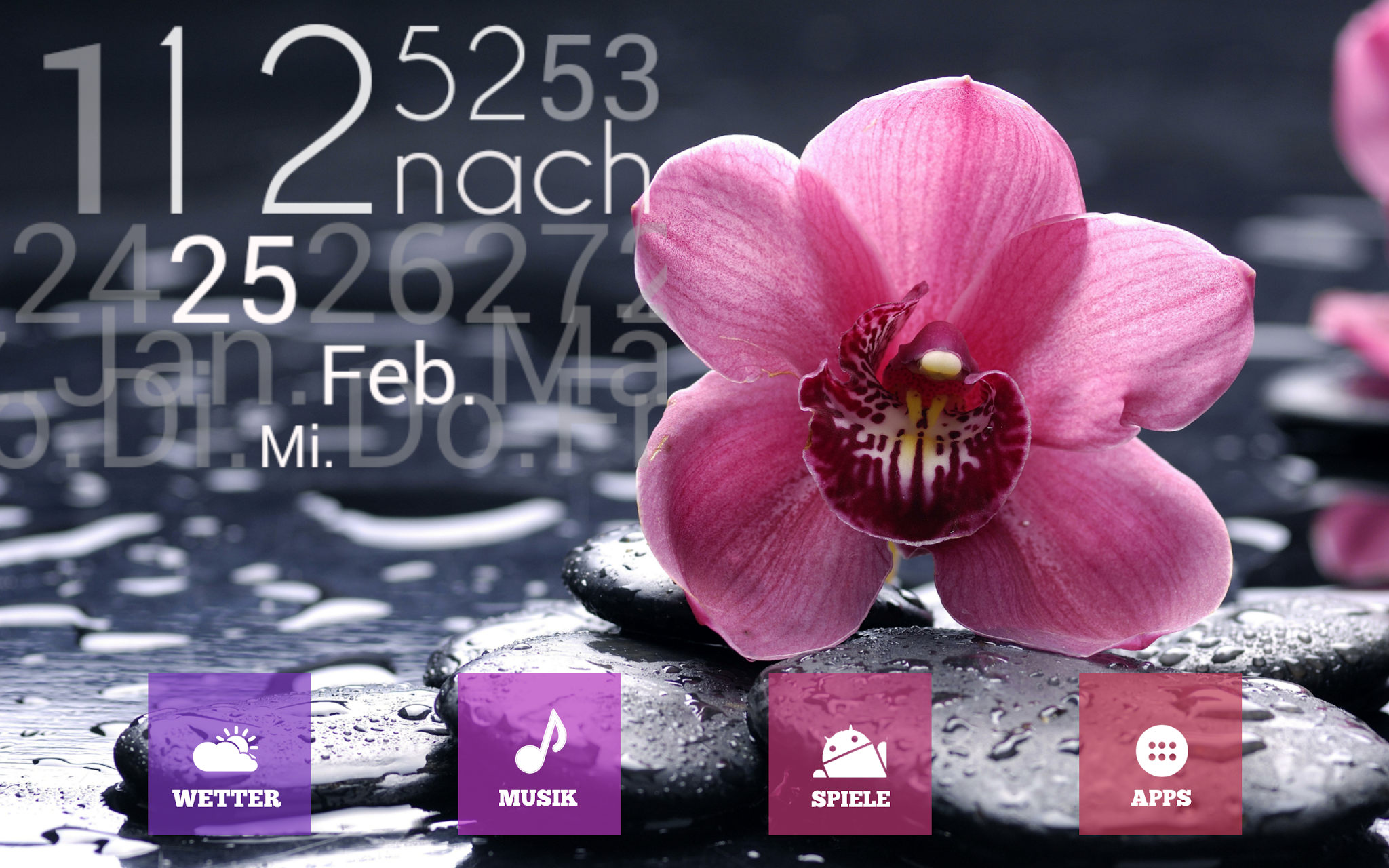
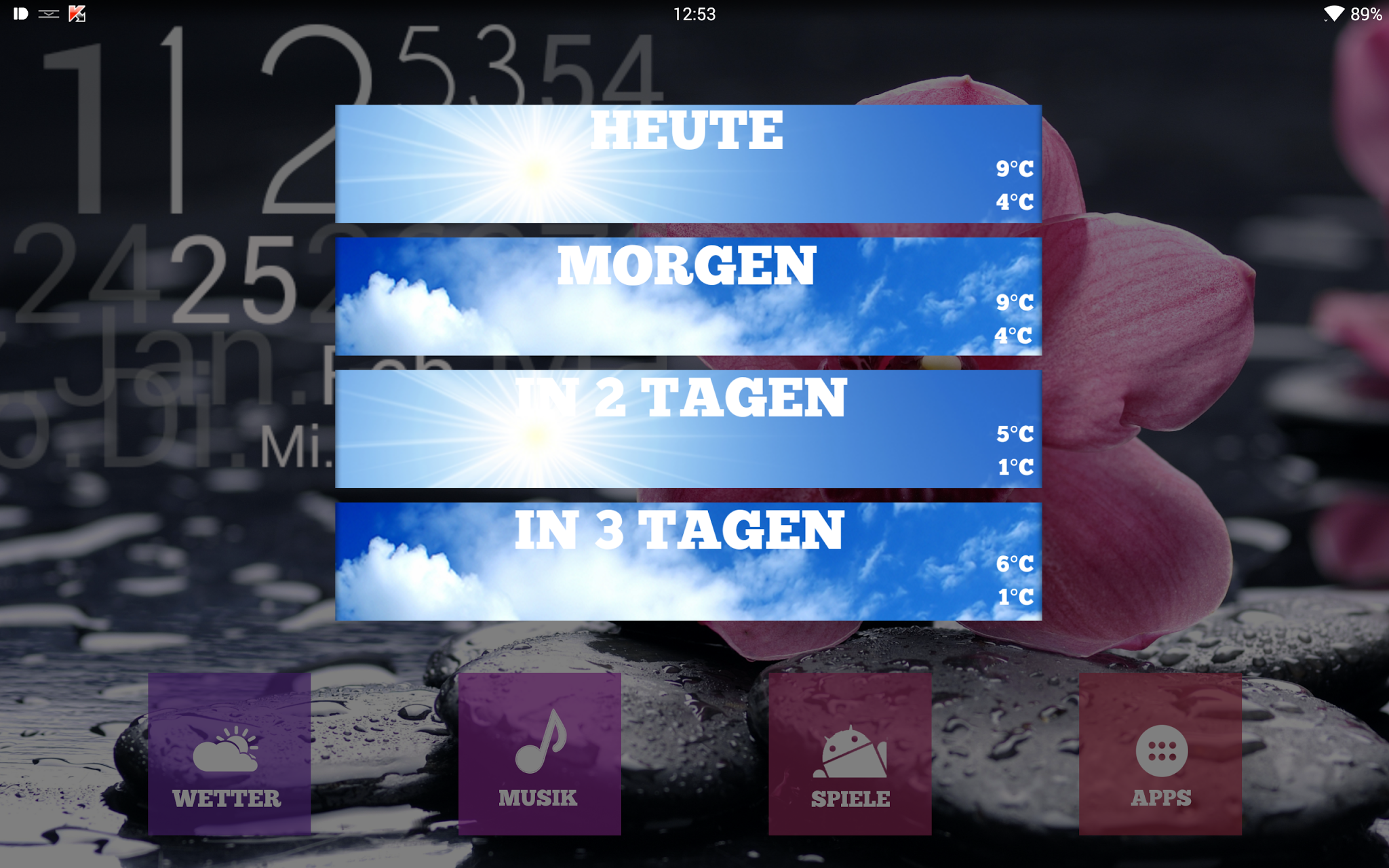
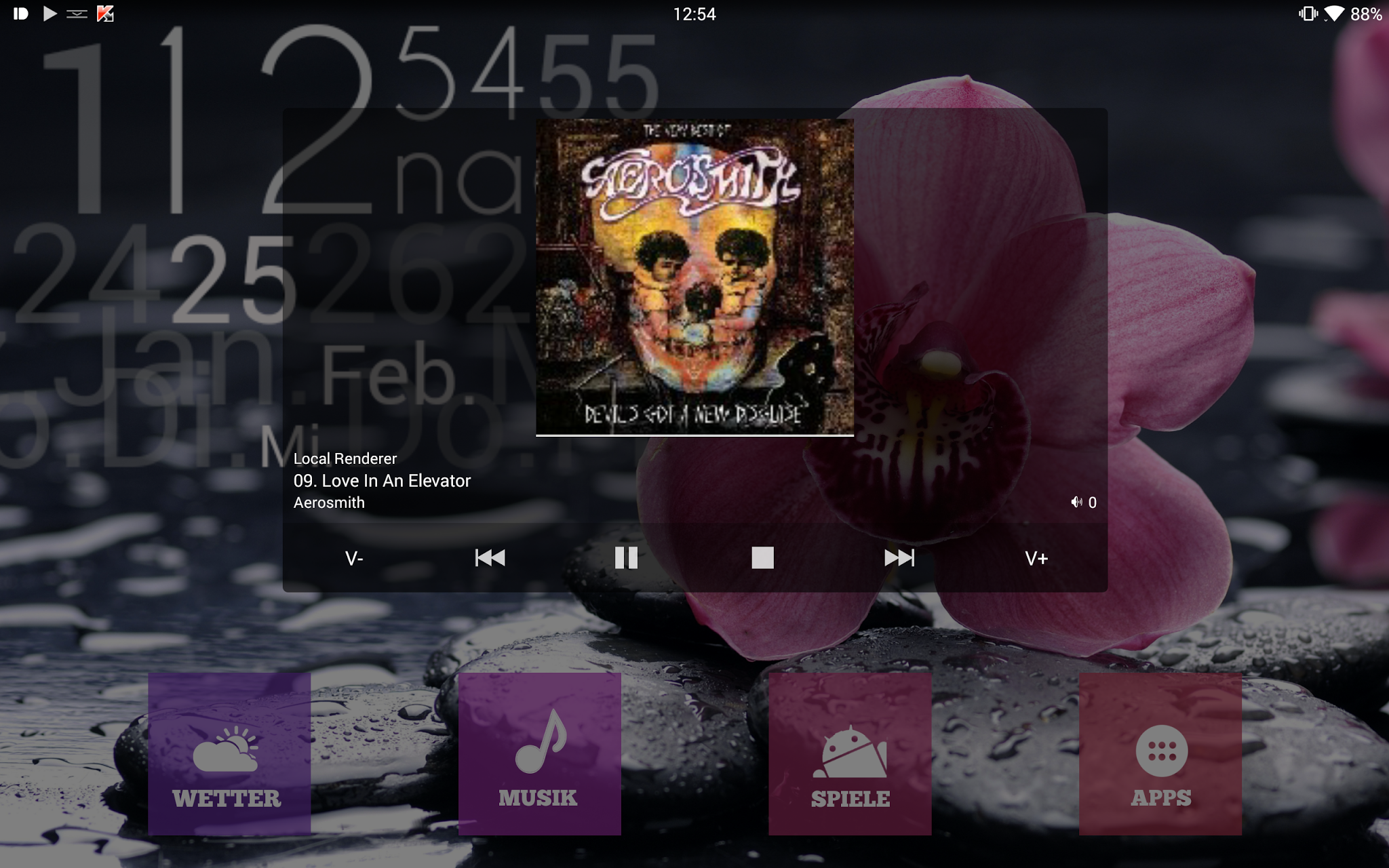
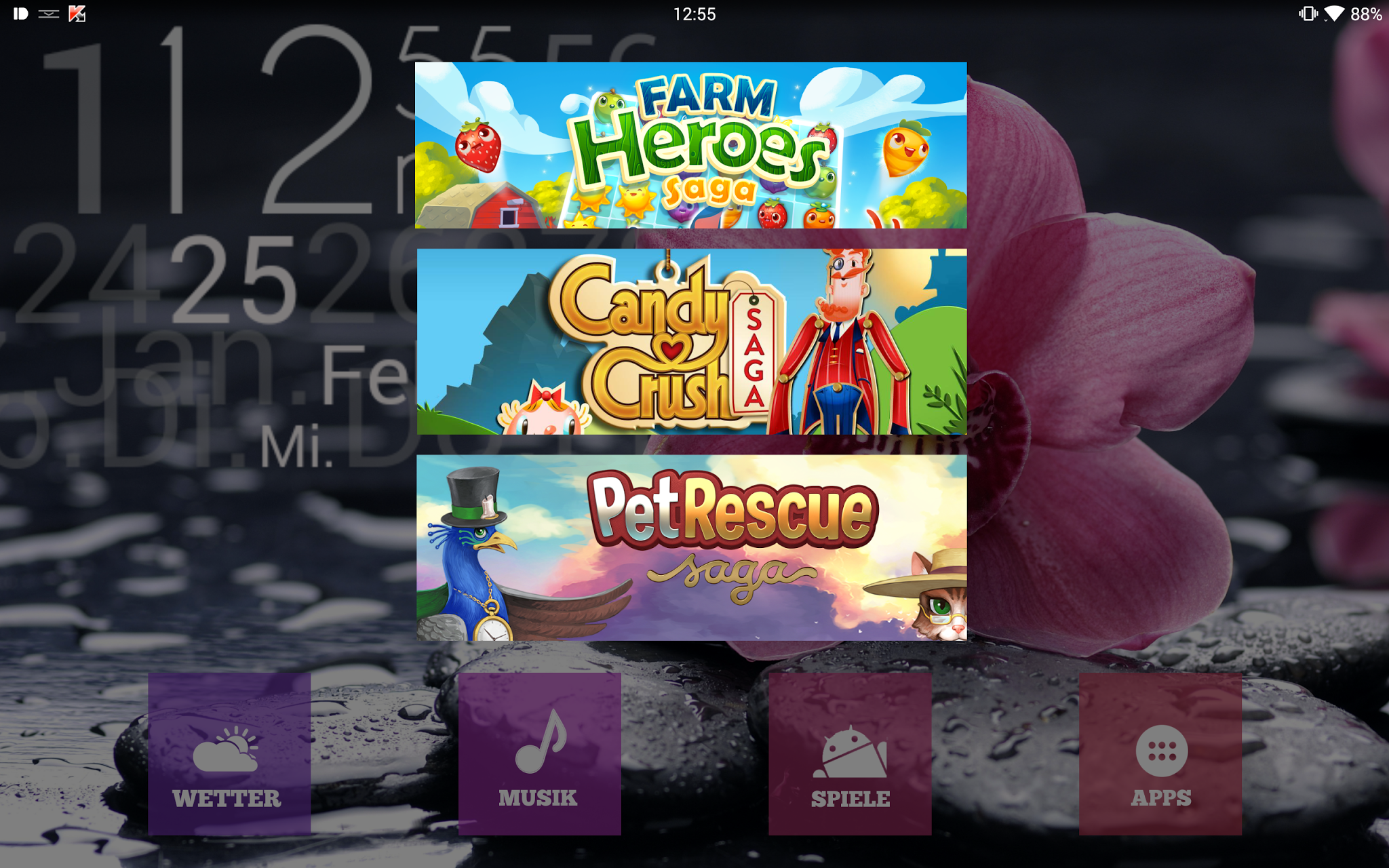

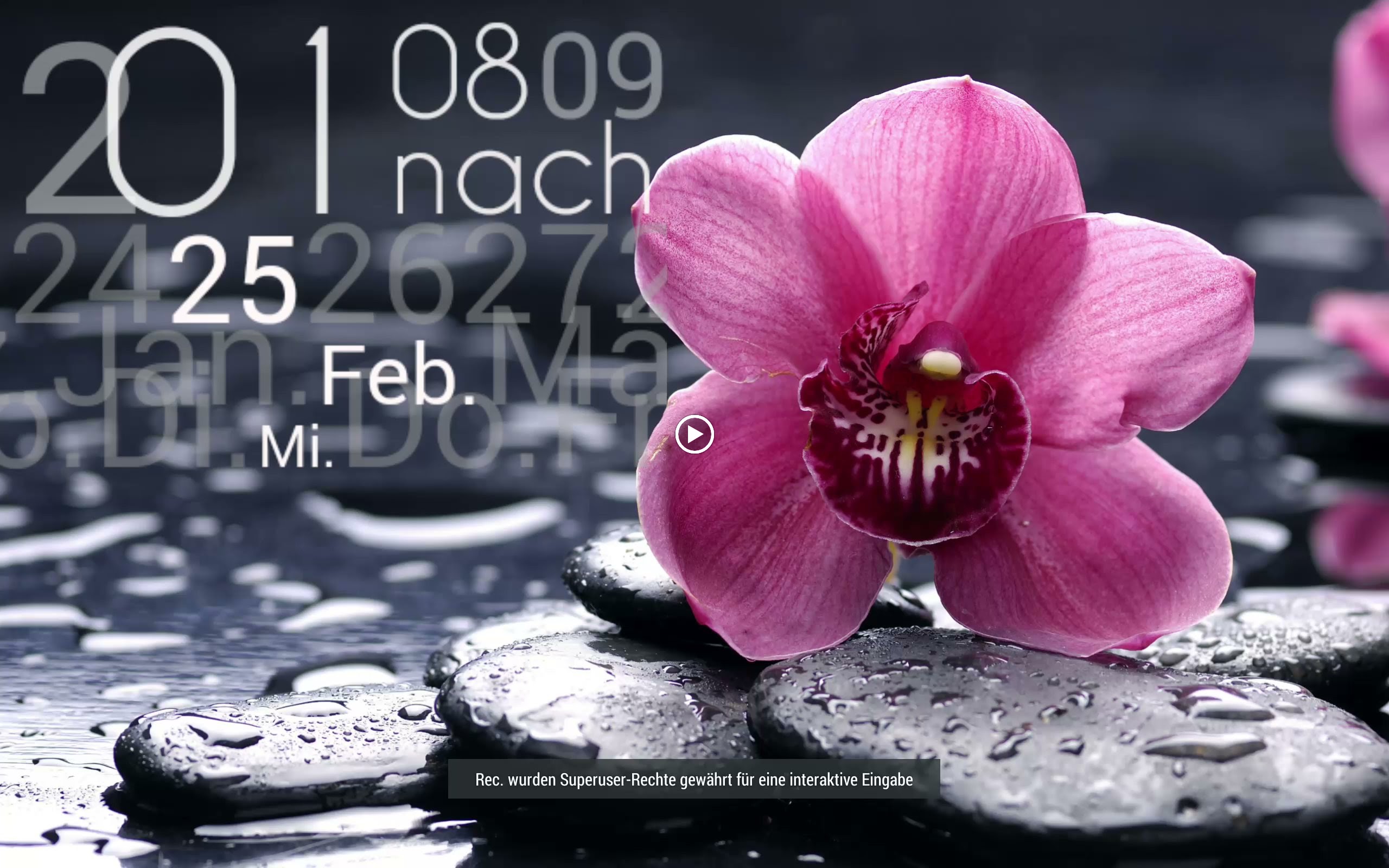
This is my current set up – two desktops: one in portrait, one in landscape lock.
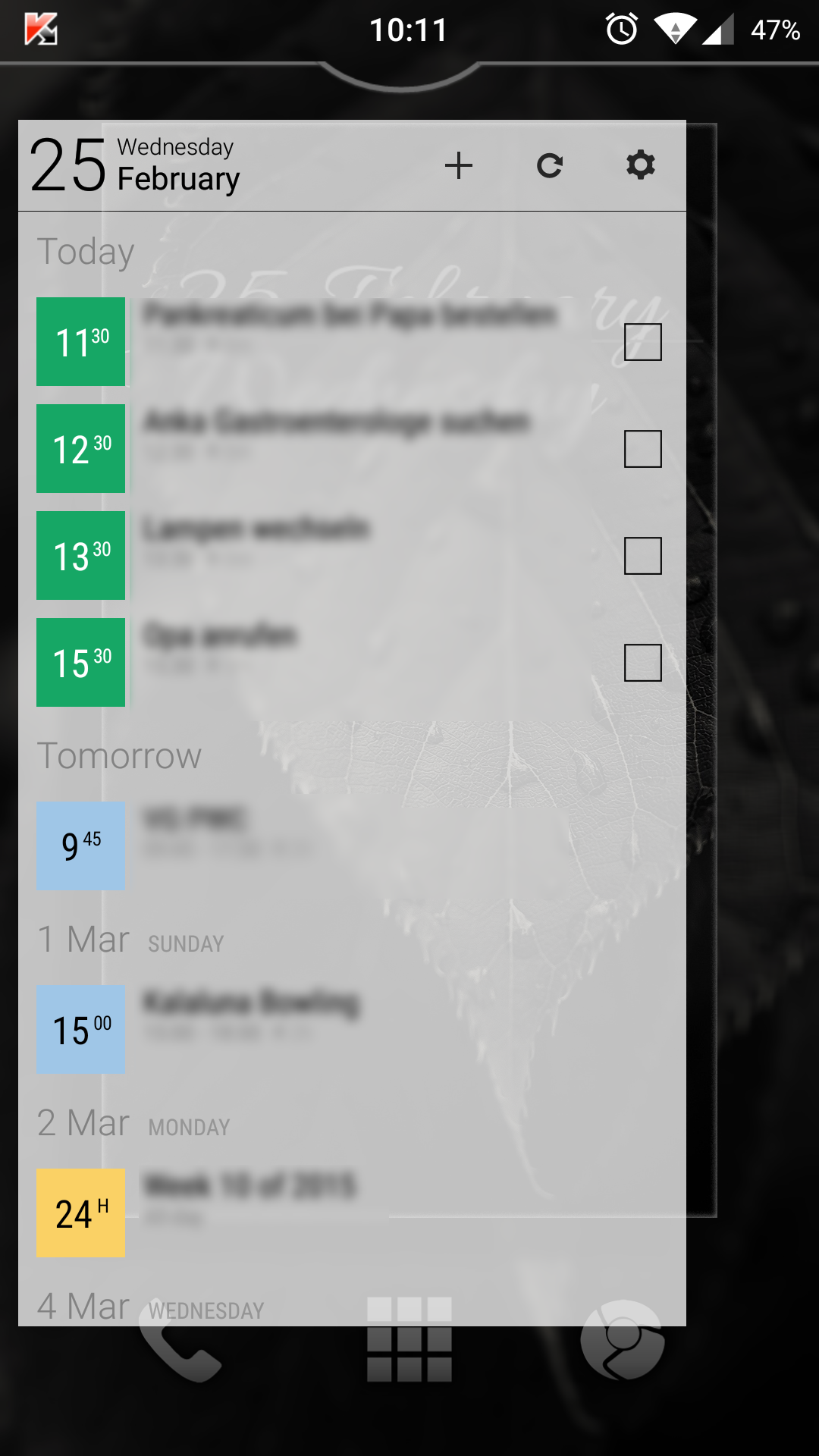
The sidebars (left business calender pro 2 and on the right a uccw widget, designed with photoshop) appear by swiping from left to right (and vice versa). The BubbleUPNP widget appears by swiping up.
Swiping down with two fingers switches to landscape desktop. The sidebar in landscape mode apears by swiping left (uccw widget & photoshop – yet still in development).
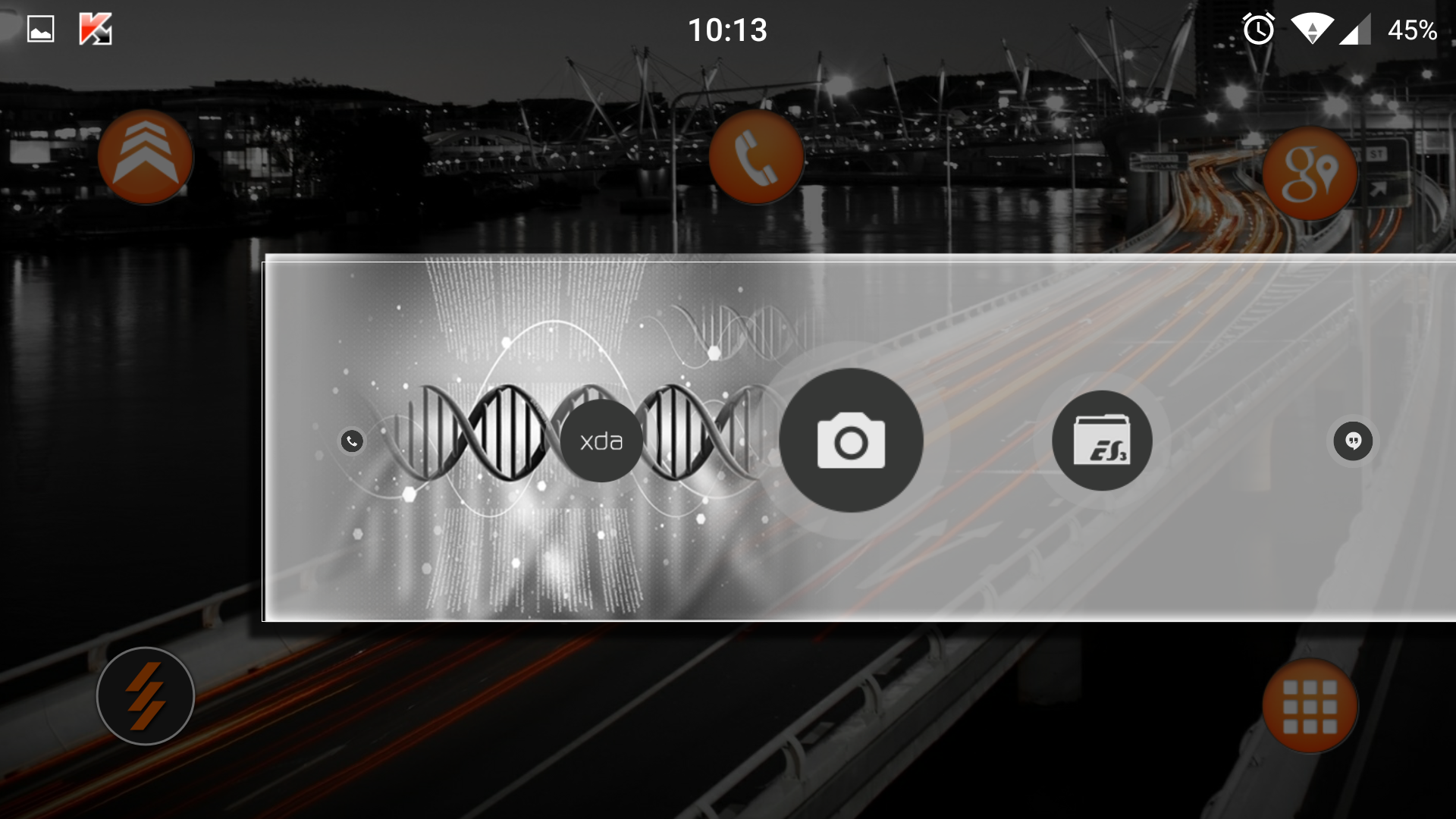

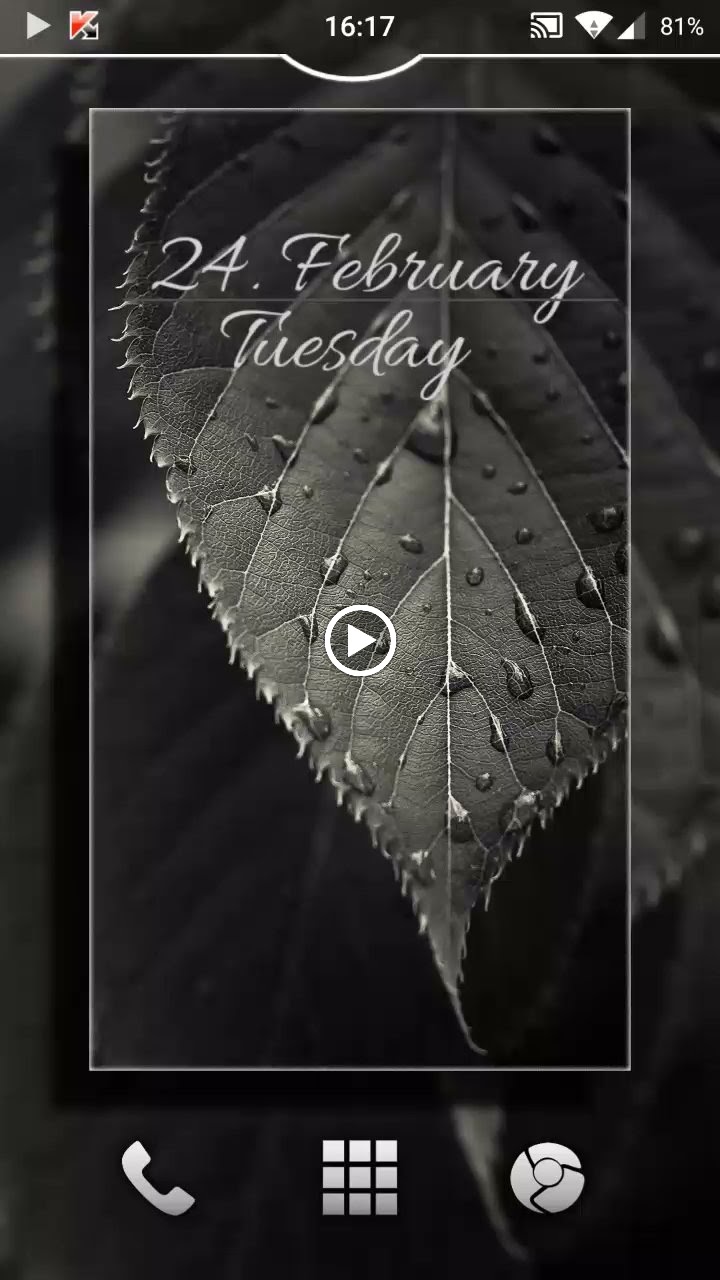
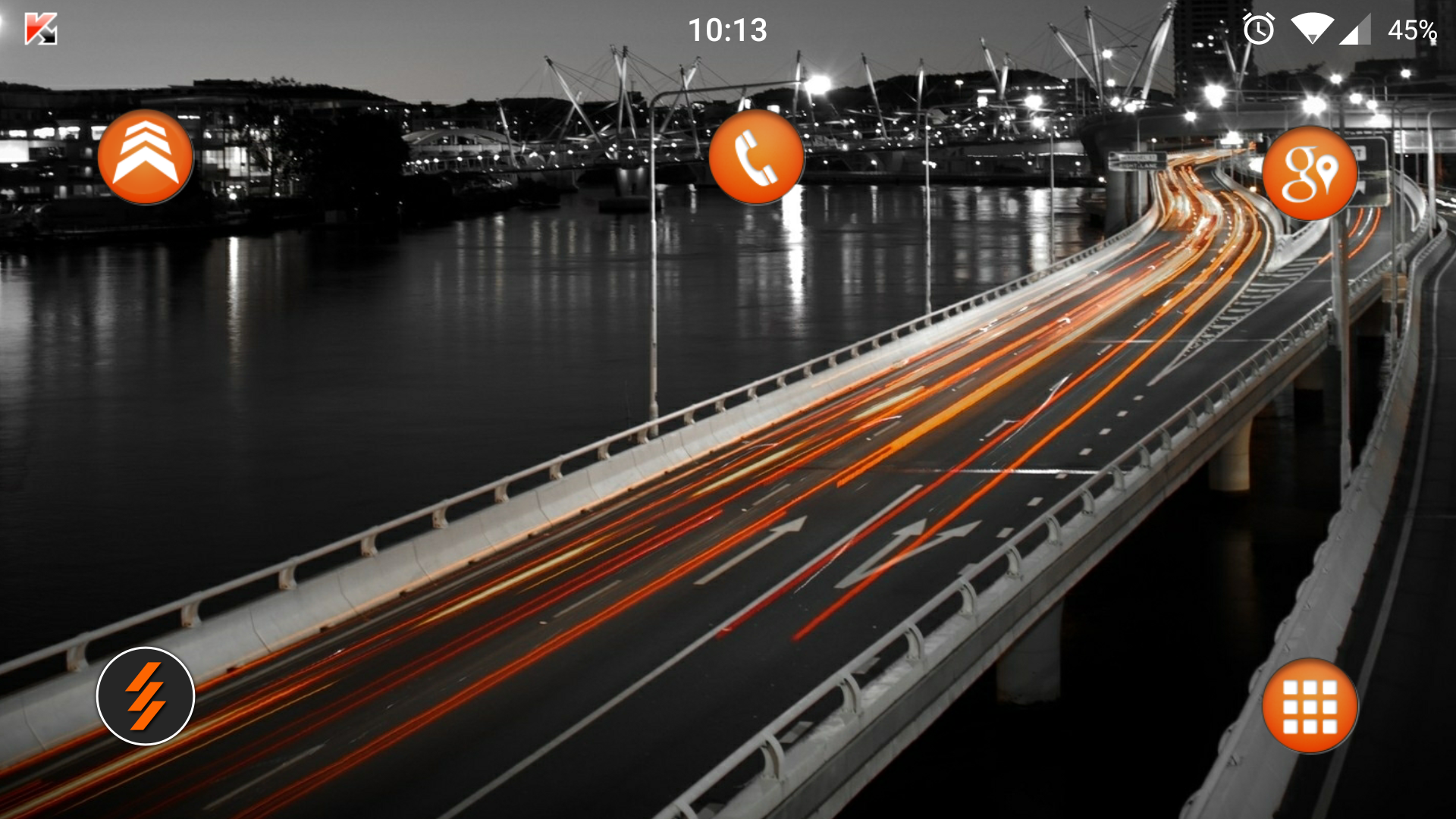


java.lang.OutOfMemoryError
at android.graphics.BitmapFactory.nativeDecodeAsset(Native Method)
at android.graphics.BitmapFactory.decodeStream(BitmapFactory.java:594)
at android.graphics.BitmapFactory.decodeResourceStream(BitmapFactory.java:429)
at android.graphics.drawable.Drawable.createFromResourceStream(Drawable.java:840)
at android.content.res.Resources.loadDrawable(Resources.java:2249)
at android.content.res.Resources.getDrawable(Resources.java:733)
at android.content.res.Resources.getDrawable(Resources.java:711)
at android.graphics.drawable.StateListDrawable.inflate(StateListDrawable.java:176)
at android.graphics.drawable.Drawable.createFromXmlInner(Drawable.java:937)
at android.graphics.drawable.Drawable.createFromXml(Drawable.java:877)
at android.content.res.Resources.loadDrawable(Resources.java:2231)
at android.content.res.Resources.getDrawable(Resources.java:733)
at android.content.res.Resources.getDrawable(Resources.java:711)
at com.android.internal.policy.impl.PhoneWindow.generateLayout(PhoneWindow.java:3316)
at de.robv.android.xposed.XposedBridge.invokeOriginalMethodNative(Native Method)
at de.robv.android.xposed.XposedBridge.handleHookedMethod(XposedBridge.java:631)
at com.android.internal.policy.impl.PhoneWindow.generateLayout(Native Method)
at com.android.internal.policy.impl.PhoneWindow.installDecor(PhoneWindow.java:3359)
at com.android.internal.policy.impl.PhoneWindow.getDecorView(PhoneWindow.java:1731)
at a.b.a.a.
at net.pierrox.lightning_launcher.activities.Customize.onCreate(Unknown Source)
at android.app.Activity.performCreate(Activity.java:5358)
at android.app.Instrumentation.callActivityOnCreate(Instrumentation.java:1087)
at android.app.ActivityThread.performLaunchActivity(ActivityThread.java:2181)
at android.app.ActivityThread.handleLaunchActivity(ActivityThread.java:2283)
at android.app.ActivityThread.access$800(ActivityThread.java:144)
at android.app.ActivityThread$H.handleMessage(ActivityThread.java:1205)
at android.os.Handler.dispatchMessage(Handler.java:102)
at android.os.Looper.loop(Looper.java:136)
at android.app.ActivityThread.main(ActivityThread.java:5158)
at java.lang.reflect.Method.invokeNative(Native Method)
at java.lang.reflect.Method.invoke(Method.java:515)
at com.android.internal.os.ZygoteInit$MethodAndArgsCaller.run(ZygoteInit.java:732)
at com.android.internal.os.ZygoteInit.main(ZygoteInit.java:566)
at de.robv.android.xposed.XposedBridge.main(XposedBridge.java:132)
at dalvik.system.NativeStart.main(Native Method)
]]> D5 Creation