October, 2013
now browsing by month
IDK is it bug or am I doing something wrong, but when I change orientation of my device on the screen, other then…
Chris sledge Pierre Hébert installed Chris’s apk here’s what I got.
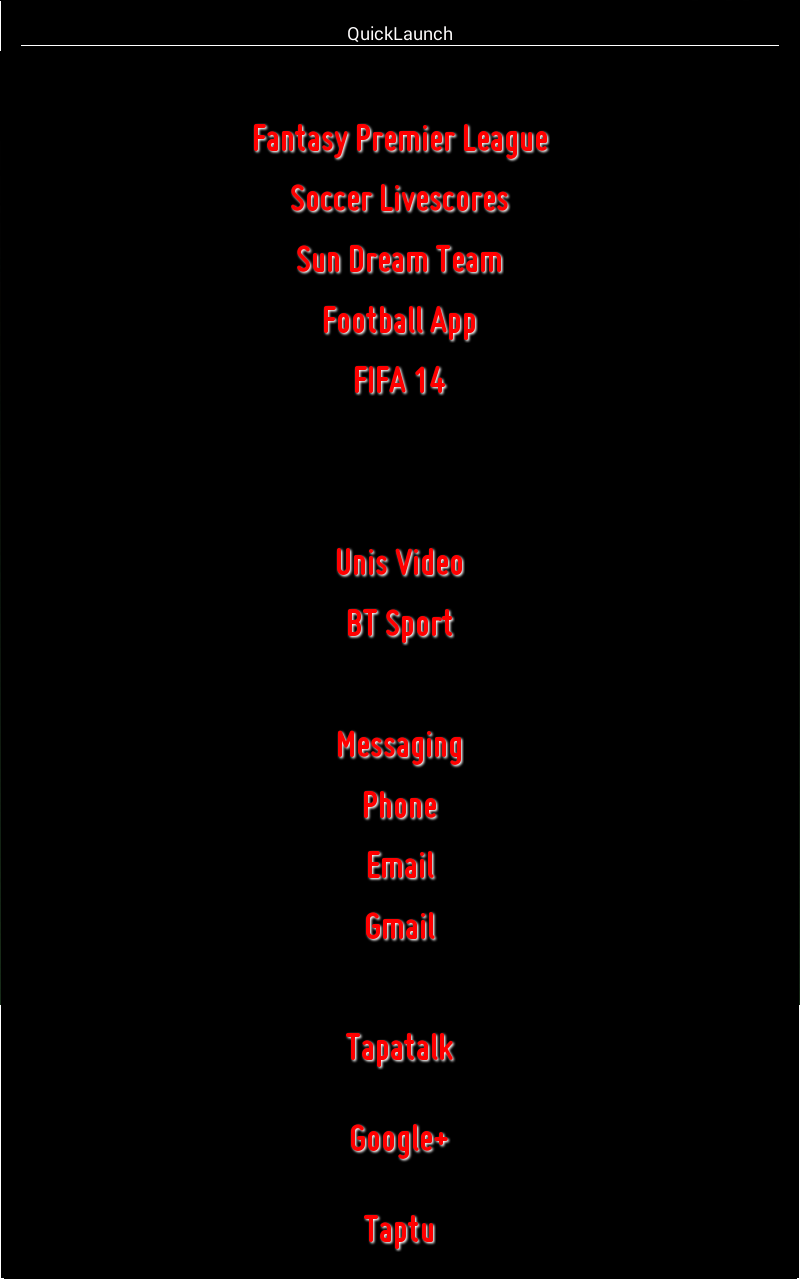
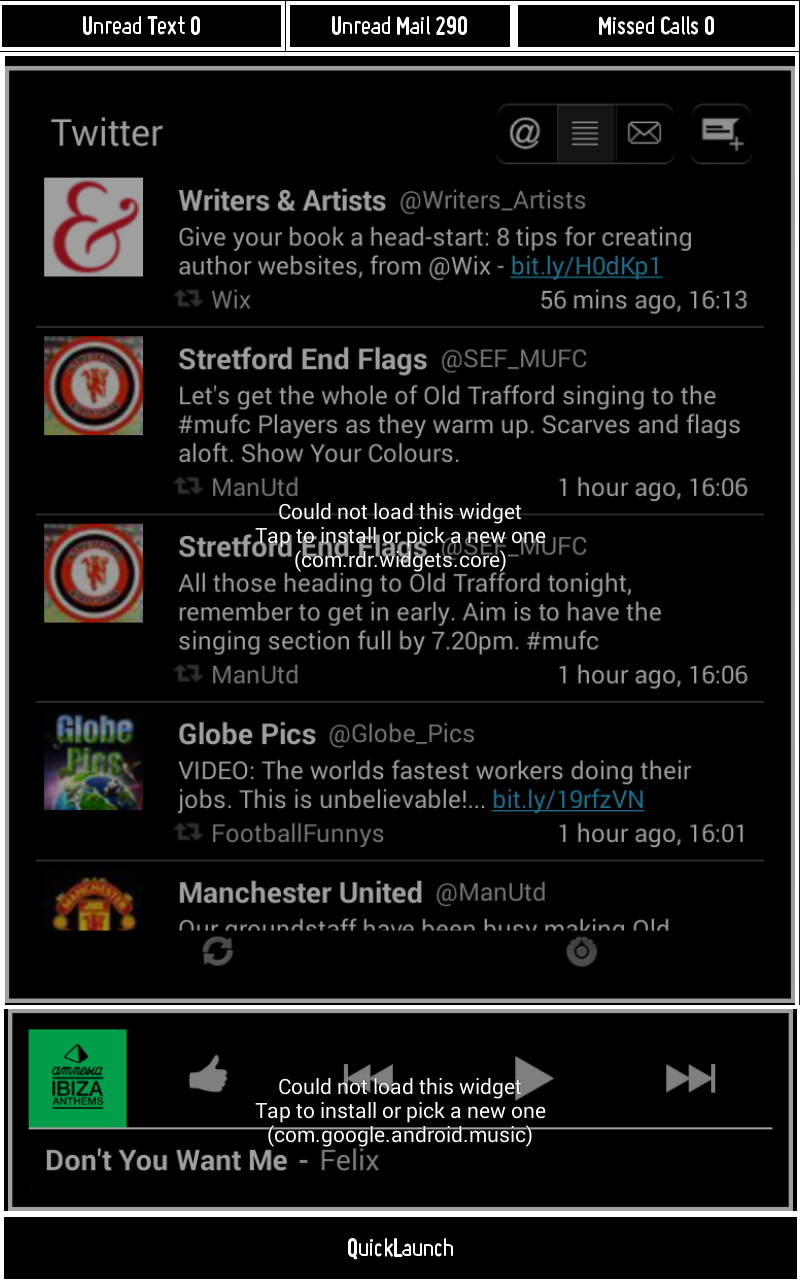


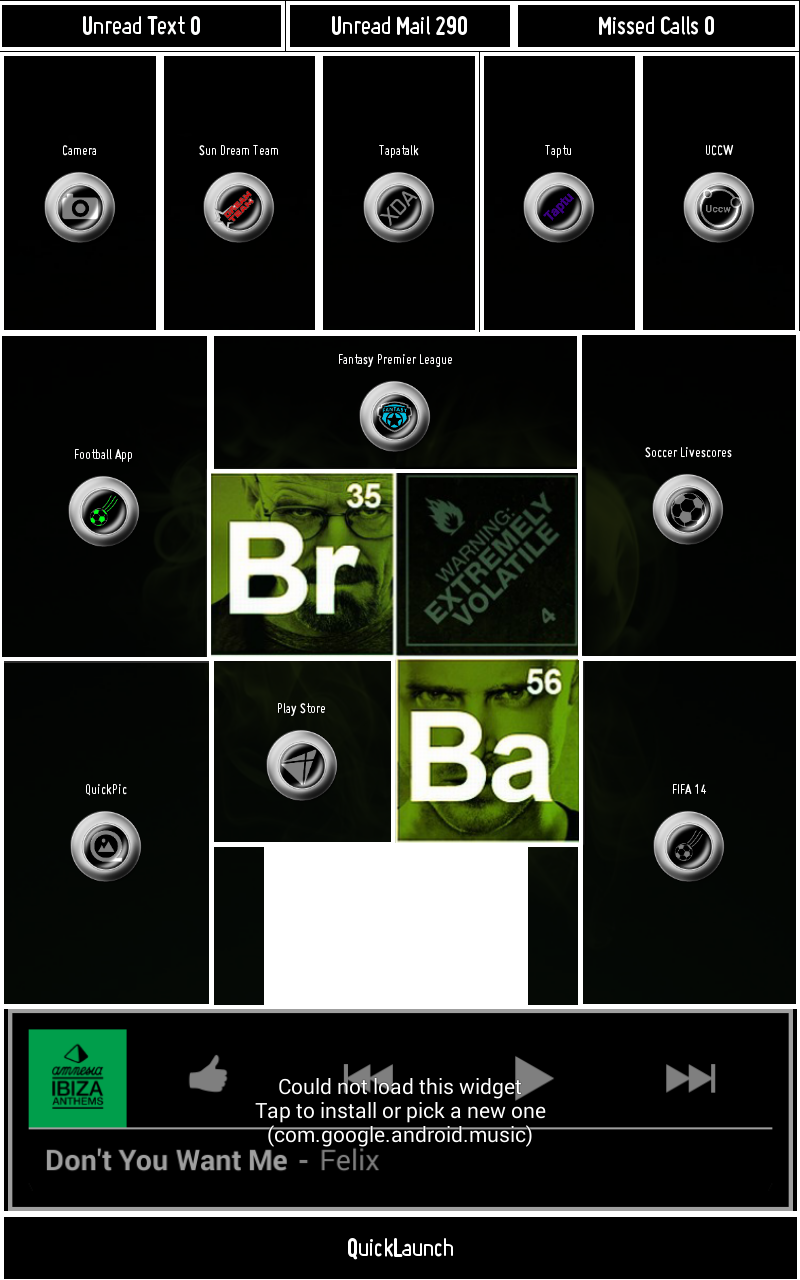
I now realized: Is there an option to close a folder without press Back or touch the background of the folder?
More specific: Could be possible to add a new option in events of folder to close it?
I would like to close a folder swiping from an icon. I didn’t saw this on the todo list.
]]>Just want to know whether we can rotate app icon/app label. If not please add this to the TODO list as well.
I would like to see the option for a wallpaper/background for pages.
😉
]]>Configure and setup of BluRed
preliminary note:
The Homescreen was built for a Xperia Z.
The Screenresolution of this Phone is overall 1080×1920. Without Softkeys 1080×1776.
If your phone has other resolution you may have to Change some specifications in this tutorial.
The Taskerstuff and other Widgets are NOT part of this tutorial.
Applications you need:
Lightning Launcher, Media Utilities, Power Toggles (if you like), Simple Rss Widget (if you like), Zooper Widget pro (not the free version), (Tasker), Icons,Wallpaper
Preparing:
Install all Applications listed above
Copy the *.zw files to following folder on you sdcard
Example: /sdcard/ZooperWidget/Templates/
Copy the Icons on your sdcard
Colors:
Red=fffd6566
Blue=ff00aeef
1. Lightning Launcher Settings
Remove ALL Items on your Desktop
Long tap on Screen
Customize Lightning
Current Desktop
Items
• Disable Display the label
• Disable Refection
•
Wallpaper&Background
• Change the desktop wallpaper > set wallpaper from download
• Color > 00000000 (full transparent)
Layout
• Disable Free Mode
• Set a Grid 8 Columns 12 Rows
•
Zooming and Scrolling
• Scrolling Direction Horizontal only
• Snap to pages
• Disable diagonal scrolling
• Disable pinch zoom
Lost&found
• Screen orientation Portrait
• Hide the status bar
Go back
2. Configure Media Utilities
• Start Media Utilities
• Select one of the Media Apps
• Else Tap on the 3 dots on the upper right corner
• Add Media App
• Select app
• Tap again on the 3 dots on the upper right corner
• Select Settings
• Check Zooper if unchecked
• Go back to homescreen
3. Zooper Widgets
Please add the widgets right in this order, otherwise you have to change
the “layer positions” of the widgets and apps later again.
To add a Widget:
• Long tap on Screen
• Add
• App Widget
• Zooper Widget 1×1
• (Please use always a 1×1, because LL makes it always bigger, why ever)
• Resize it to the Size I tell you and position it.
• Tap back
• Tap the Widget and load from sd-card
Here is the order of the Widgets, name on sdcard and the size:
Please name the widgets unique it’s easier to find them later.
4. Pining Widgets or Apps
• Long tap on the widget or app
• Select Position
• Select pin
• Go back
no 3 (only the number) is double, but doesn’t matter 😉
5. The tricky part
Be sure that you have pined the widgets br_blu_social,br_blu_home, br_blu_apps!
Scroll/navigate to Page 2
Start Zooper Widget pro
Configure Widgets
Select the widget br_blu_social
Select Widget ontap Action
Select Shortcut
Select LL – Desktop & position
Tap on the Screen where you can see Page 2
Go back to homescreen
Scroll/navigate to Page 1
Start Zooper Widget pro
Configure Widgets
Select the widget br_blu_home
Select Widget ontap Action
Select Shortcut
Select LL – Desktop & position
Tap on the Screen where you can see Page 1
Go back to homescreen
Scroll/navigate to Page 3
Start Zooper Widget pro
Configure Widgets
Select the widget br_blu_apps
Select Widget ontap Action
Select Shortcut
Select LL – Desktop & position
Tap on the Screen where you can see Page 3
Go back to homescreen
6. Placing Apps and Widgets (other than Zooper)
• Add Applications/Shortcuts and Widgets on the Pages
• Icons included in download
You are done 😉
https://drive.google.com/folderview?id=0BwdfIpCyi8ZVdlZEZHBBeTN6N28&usp=sharing


Tutorial for setting up corn (interactve)
Not for beginners! It’s really a lot of work.
Incl. HowTo for Tasker:
Counter K9-Mail
ColorSettings
No Suppot, No guarantee 😉
https://drive.google.com/folderview?id=0BwdfIpCyi8ZVQUdxZEZtVnF3dEU&usp=sharing


Hi
I bought the LL extreme version and up tp now I’m satisfied so far. There are only 2 things:
What’s about the accu consumption. For me it seems a little bit more higher that Nova f.e.
After the last update I thing there is a problem to assign single items/icons from my Icon pack ( Stark) to single shortcuts. I got then error message that the copy process didn’t finished successfully.
Any ideas?
]]>Hi All
I was thinking of buying a intel based x86 phone. Anyone using one and know if LL is compatible/working well with it?
]]> D5 Creation