December, 2013
now browsing by month
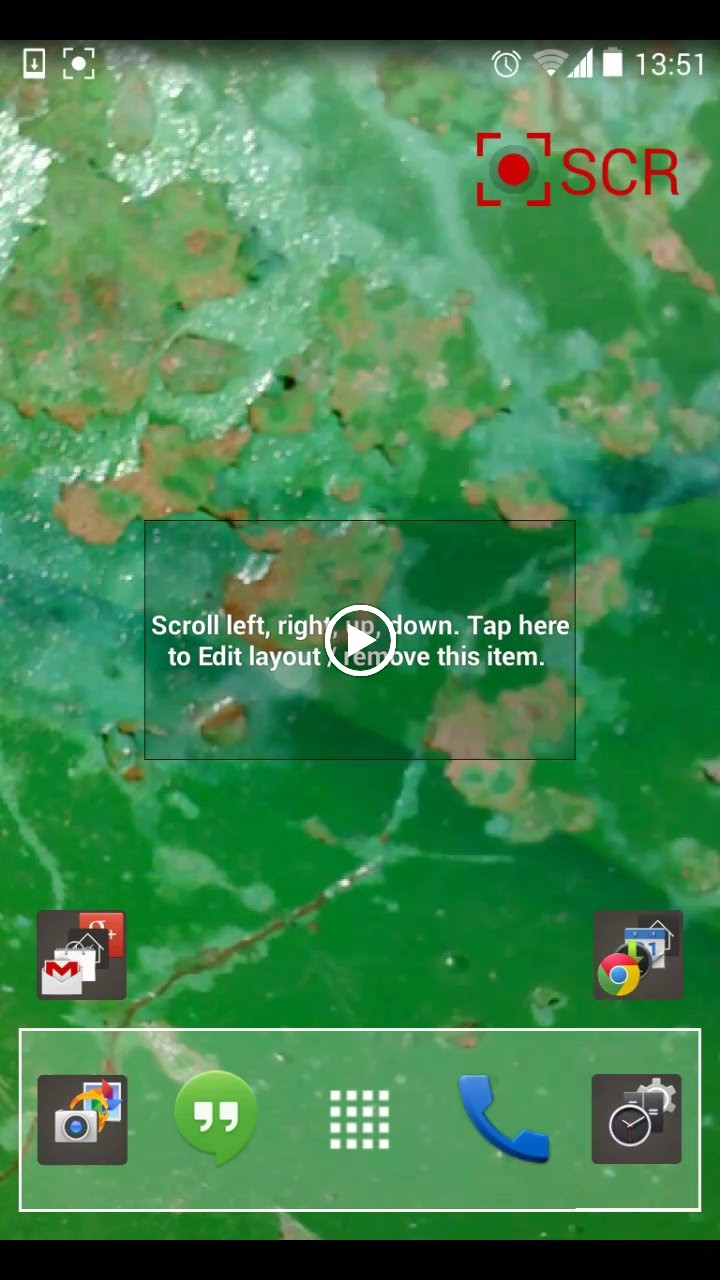
Is there any way to create something like th new panels that could always have an app open in it?
eg. Th screen to th left of home has a full size panel with gmail open so when I scroll to it I see gmail in much th same way Google now works on GEL.
]]>After installing the latest update, app drawer has a bug or two:
1) nothing happens when clicking on icons in app drawer until launcher is restarted.
I was able to reproduce this by uninstalling and reinstalling. The problem was corrected by powering off and on, or by restarting the launcher.
2) this one I am having trouble reproducing, but I’ll include it in case anyone else seen it too. Sometimes when I select “customize lightning” from the menu I get the app drawer instead.
Edit: problem 1) also occurs when applying a theme template, and is corrected by restarting the launcher.
And just now, when I clicked on the app drawer icon, I was brought here to the LL community. 🙂
]]>Panels are great!

Panels are great!
This is the first unexpected behaviour, but don’t worry. I post it just in case you didn’t know it.
No crashes until now 🙂
]]>Same template but used the new panel feature.
I put a Panel on the top row of grid. Panel itself is in free mode to allow precise positioning of Dynamic Text clock and date. Apk updated.

I am a new LL user and noticed a problem that I cant figure out.
Is this intended?
In one old version you made that, when you copy an item it doesn’t copy their pinned state.
However I discover now (not sure if it happened always) that, if an item is already pinned, it loses her pinned state, whatever the ‘copied’ item was.
I think that, if an item is pinned, and you want to copy the style from another one…it should remain pinned.
Is this a bug?
]]>Feature request time.
Missing feature
I am in love with LL but I miss one great feature from ADW, categorizing apps in the drawer!
]]>I don’t know if the issues comes from Zooper or LLX so I will post this in both:
When applying a new layout in LLX, the previous zooper widget which are no longer on any desktop don’t get deleted. The only way I found to get rid of them is to uninstall Zooper, remove all temp files manually and reinstall zooper.
]]> D5 Creation