Chris Chastain
now browsing by tag
Updated with panel for better clock.
Download: https://app.box.com/s/z9gr2bh7p589ltdsw1dj *updated to show instructions, as suggested.
*updated with panel for clock
This is very simple. No widgets, and lots of room to add what you like.
For those that have had trouble figuring out pop up folders and scrolling panels, this might be a simple example to play with.


Short video, even though I’m sure you all know how it works.

Pierre Hébert, is this wallpaper feasible from your coding stand point?

Simple gradient wallpaper, hideable, scrolling dock, slide out folders on left, right and top.
Stock app icons basically just used for place holders, for end user to modify.
Long tap in empty area shows status bar, short tap opens notification pane.
Tried to make use of almost all main features available in grid mode.
Is dynamic text allowed?
Updated with panel for Dynamic Text clock


Customize Lightning -> App Drawer = crash
Bug report mailed.
Hope it’s not just me.
Edit:
General and Current Desktop also crash.
]]>Pierre Hébert, is your Template Packager site functioning today?
Another simple one ;-)
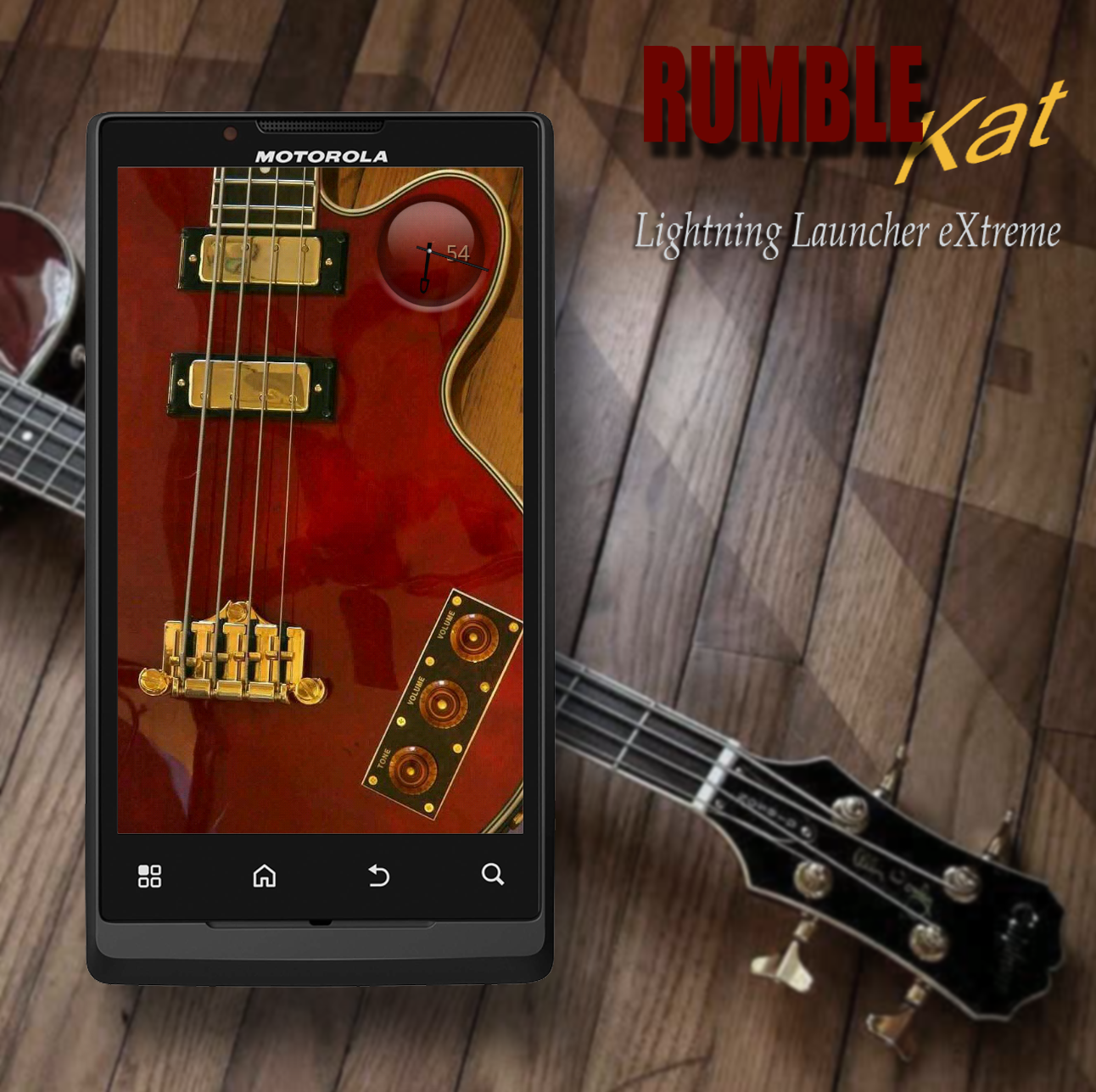
I was looking for an excuse to use Chris sledge’s cool uccw clock, and I’ve been wanting to use one of my photos of one of my basses… so here’s the outcome.
The volume and tone controls on the bass pop out widget panels from the left side. The little black 9 patch buttons scroll out from either side. The ones on the left slide out the applicable folders between the buttons.
Edit:
I deleted one picture from the album, in order to add an updated one. Apparently there is no way to add new pics to an existing album in the android app. :-/
After using the 1 Button-Absinthe for awhile, I made a few changes I needed, plus new wallpaper, clock and 9 patch…
Guess this will be 1 Button-Mercury.
Very, very simple to use and to make.


One Button

One Button
Download:
https://app.box.com/s/npa6yo7uusn1xittd7o0
I added some small icons around the button indicating what the various swipe directions do. Tap is main menu, long tap is app drawer.
If you want the same clock, install One More Clock widget and import this tweaked clock: https://www.box.net/s/3l8w6ri9q1qiogkrwgo5
]]>Messing around with 9-patch was fun, so I whipped this one up for my wife’s phone.


 D5 Creation